How to Detect a Shopify Store’s Theme and Find the Perfect One

Written By: Ricardo Perez
 Published: December 24, 2025
Last Updated: 03/01/2026
 Reading Time: 2 min read
Want to stay in the loop?
Subscribe to receive updates, insights, and special offers straight to your inbox.
How to Identify Which Shopify Theme a Store Is Using
Understanding which Shopify theme a store uses can save you hours of research and give you direct insight into the layout, features, and functionality that appeal to you. Rather than reinventing the wheel, new store owners can explore existing sites to see how a theme handles product displays, navigation menus, mobile responsiveness, and built-in apps.
Armed with that knowledge, you can choose a theme that best matches your desired store structure and customer experience.
Tools for Detecting Shopify Themes
Each tool works similarly: you enter the store’s URL, click “Detect” or “Analyze”, and receive the theme name, version, and sometimes a link to the official theme store page. Some tools even list major apps and scripts the site uses.
Step-by-Step Guide
- Open your chosen theme detector and enter the full URL of the live Shopify store.
- Hit the “Detect” or “Analyze” button and wait for the result.
- Note the theme name, developer, version, and any links to documentation or demos.
- Visit the theme’s official page to review features, customization options, and pricing.
Benefits for New Store Owners
- Rapid research: Compare multiple stores in minutes without signing up for paid trials.
- Feature discovery: Identify built-in sections, page templates, and app integrations.
- Structural inspiration: See how top-performing stores organize collections, product pages, and footers.
Ethical Considerations
Using these tools to replicate a store’s underlying structure is fair practice, as themes are designed to be customizable. Avoid copying unique branding elements or exact styling. Instead, focus on layout strategies and native features that align with your own brand vision.
By leveraging free detection tools, you can confidently choose a Shopify theme that meets your functional requirements and provides a solid foundation for your unique design identity.
Latest Articles
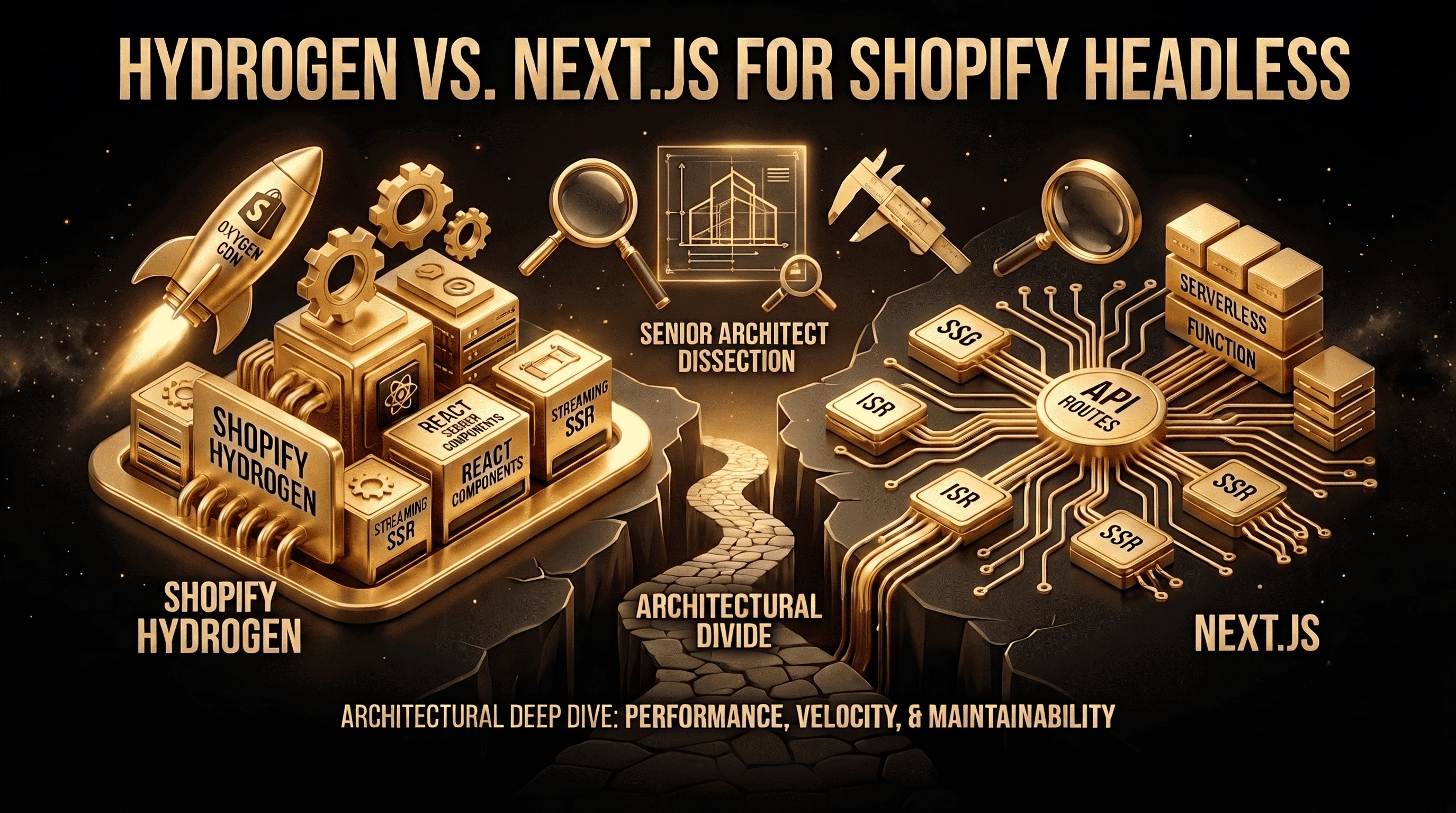
Hydrogen vs. Next.js for Shopify Headless: A Senior Engineer's Deep Dive

The Strategic Imperative Mastering Headless Shopify Development